Small businesses across North Carolina face shifting cyber threats as local operations lean more heavily on connected tools. Attackers keep tweaking automated scripts, extortion plays, and deceptive tactics to break into networks. Keeping operational systems running requires direct, realistic safety steps built for actual day-to-day work.
The Shifting Ransomware Threat
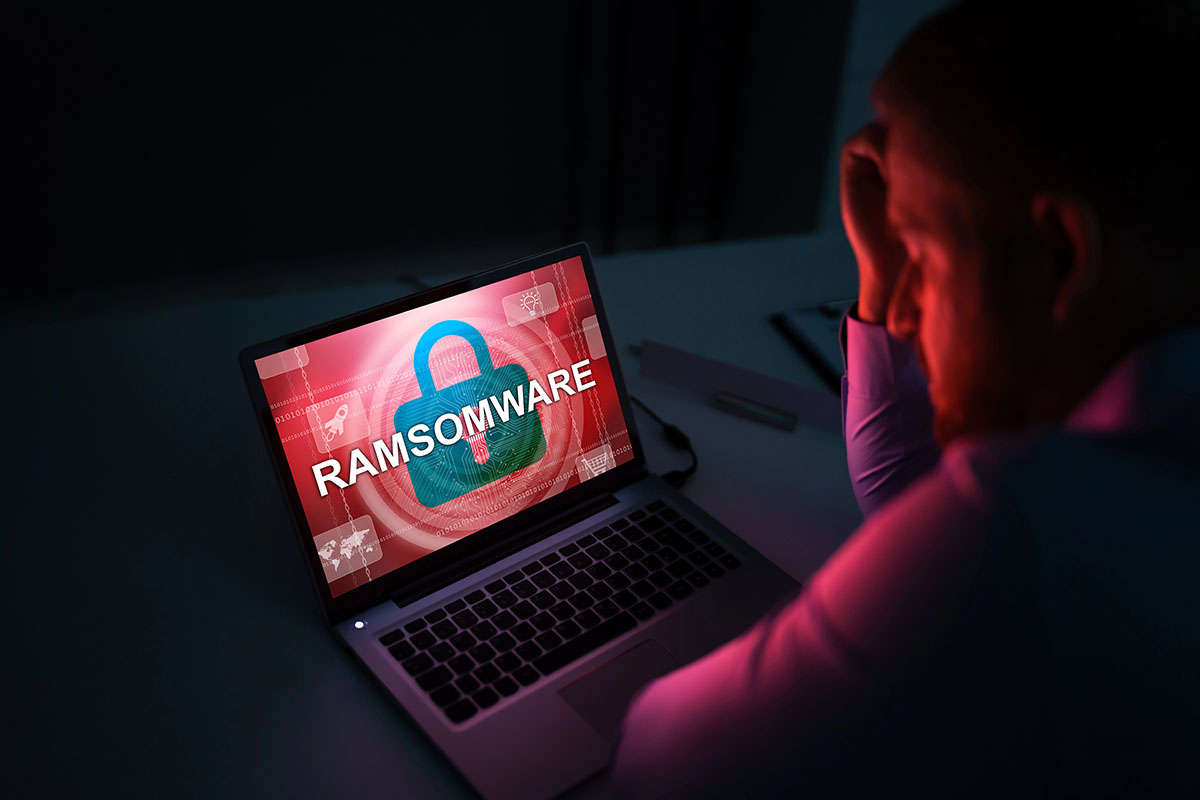
Attacks no longer depend on basic email attachments or simple password guessing. Modern crews run automated tools to scan regional business IP addresses, searching for exposed remote desktop ports, unpatched firewalls, and aging network gear. Small operations frequently turn into targets simply because a script finds an open door into the building.
Once inside, attack scripts run through the local setup, list out connected drives, and try to gain full admin controls. Intruders regularly copy sensitive files before triggering encryption routines, leaving owners with two separate headaches: locked-out systems and public leaks of internal records, client details, or payroll data.
Local teams usually run lean, making quick incident fixes tough. External IT help and constant network checks fill these technical gaps by keeping eyes on servers, workstations, and cloud storage accounts.
Common Tactics Hitting Regional Businesses
Recognizing where bad actors focus helps managers put defenses right where they do the most good. Intrusion groups consistently target four main weak points across smaller corporate networks.
Exposed Remote Access and VPNs
Remote working arrangements and external vendor access points stay high on the target list. Attackers run lists of leaked passwords bought online against remote desktops and virtual private networks. Without extra verification checks forced on every single login attempt, one recycled password opens the front door to everything.
Deceptive Emails and Login Theft
Phishing messages look far more convincing now, using local context to trick staff into giving up logins. Messages mimic regional bank alerts, software patch requests, or vendor invoices. As soon as an employee types credentials into a fake login screen, bad actors use those details to jump right into company mailboxes and internal tools.
Unpatched Perimeter Hardware
Firewalls, routers, network storage units, and edge gear often run outdated system software. Groups scan regional IP ranges looking specifically for hardware models with known security bugs. Skipping manufacturer updates leaves the front gate wide open to basic exploit kits.
Misconfigured Cloud Applications
When operations shift file storage and email to cloud services, bad actors follow them there. Loose sharing setups, weak integration keys, and unmonitored cloud admin accounts give intruders a simple path to lock hosted files or erase online backups.
Practical Defense Strategies for Local Networks
Building real resilience requires layered controls across hardware, software, and human behavior. Putting these checks in place reduces the odds of costly downtime.
Enforce Universal Multi-Factor Authentication
Extra login verification stops stolen passwords from opening doors. Require an extra verification step on every mailbox, cloud tool, remote connection, and admin portal. Use mobile authenticator apps instead of text messages, since app tokens do a much better job stopping interception attempts.
Keep Immutable, Off-Site Backups
Backups are the primary safety net against paying extortion demands, but intruders routinely track down and delete backup files before starting encryption. Stick to a strict setup that holds at least one copy separate from the main network. Use write-protected storage options that keep data from being modified or erased for a set timeframe, even by an admin account. Run test restorations on a regular schedule to double-check that recovery works.
Maintain a Strict Patch Schedule
Outdated software invites automated break-ins. Set a recurring monthly calendar to push security updates to operating systems, main software applications, browsers, and network hardware. Move fast on internet-facing equipment like firewalls and VPN gateways, applying vendor updates as soon as advisories drop.
Restrict System Access Rights
Limit employee access strictly to the files and programs needed for their daily tasks. Everyday user accounts should never hold local admin permissions on workstations. Stripping away local admin rights prevents stealthy scripts from dropping software, altering registry settings, or shutting down local security tools.
Use Behavior-Based Endpoint Protection
Standard antivirus programs rely on lists of known threat signatures, missing completely new variants. Modern endpoint tools monitor background behaviors and system processes live. If a process starts rapidly modifying files or making weird network calls, the endpoint agent cuts the computer off from the local network to stop the spread.
The Real Cost of System Downtime and Data Loss
An infection brings expenses that go far past basic cleanup fees. Days of system lockouts pause customer service, freeze billing cycles, and halt supply lines. For regional operations, a few days of total gridlock can damage customer trust and sink revenue.
On top of operational damage, privacy rules require notifying affected clients and regulators if personal records, medical logs, or banking info get exposed. Proving whether files were copied demands deep technical investigation. Keeping detailed activity logs gives investigators the evidence needed to determine the exact reach of an incident, simplifying legal and compliance reports.
Working alongside local specialists who know regional business needs gives companies a much stronger foundation. IPM Computers provides managed IT services, proactive network protection, and structured backup management built to keep local operations running securely.
FAQs
Why do cybercriminals target small businesses instead of large corporations?
Small companies usually have smaller technical teams and fewer defenses, making them easy targets for automated tools. Bad actors often prefer hitting multiple smaller targets with basic protection rather than picking fights with large corporations running dedicated security operations.
Does paying a ransom guarantee getting files back?
No. Decryption tools provided by criminals often break or scramble complex database files. On top of that, paying marks the business as an easy target, increasing the odds of future extortion attempts by other groups.
How often should a small business test its backups?
Run automated backup checks every day, along with a manual restoration test at least once a quarter. Routine recovery drills confirm that files are healthy and that restoration times match business operational needs.
What is the main difference between traditional antivirus and modern endpoint security?
Traditional antivirus checks files against known lists of bad code, missing brand-new threats. Endpoint security watches device activity and software behaviors constantly, allowing it to halt suspicious actions like mass file modifications in real time.
What should a team do immediately after noticing a breach?
Disconnect affected machines from the local network immediately by unplugging network cables and turning off Wi-Fi. Leave the machines powered on so system memory stays intact for technical investigation, and notify your internal IT lead or technical support partner right away.
Securing North Carolina Operations
Protecting a business takes regular attention, properly tuned tools, and ongoing staff awareness. Keeping up tight network perimeters, off-site backups, and strict access rights ensures local companies stay resilient as digital threats change. Reviewing current systems today prevents expensive downtime tomorrow. To review your current setup and explore proactive protections, reach out to IPM Computers for a tailored assessment.