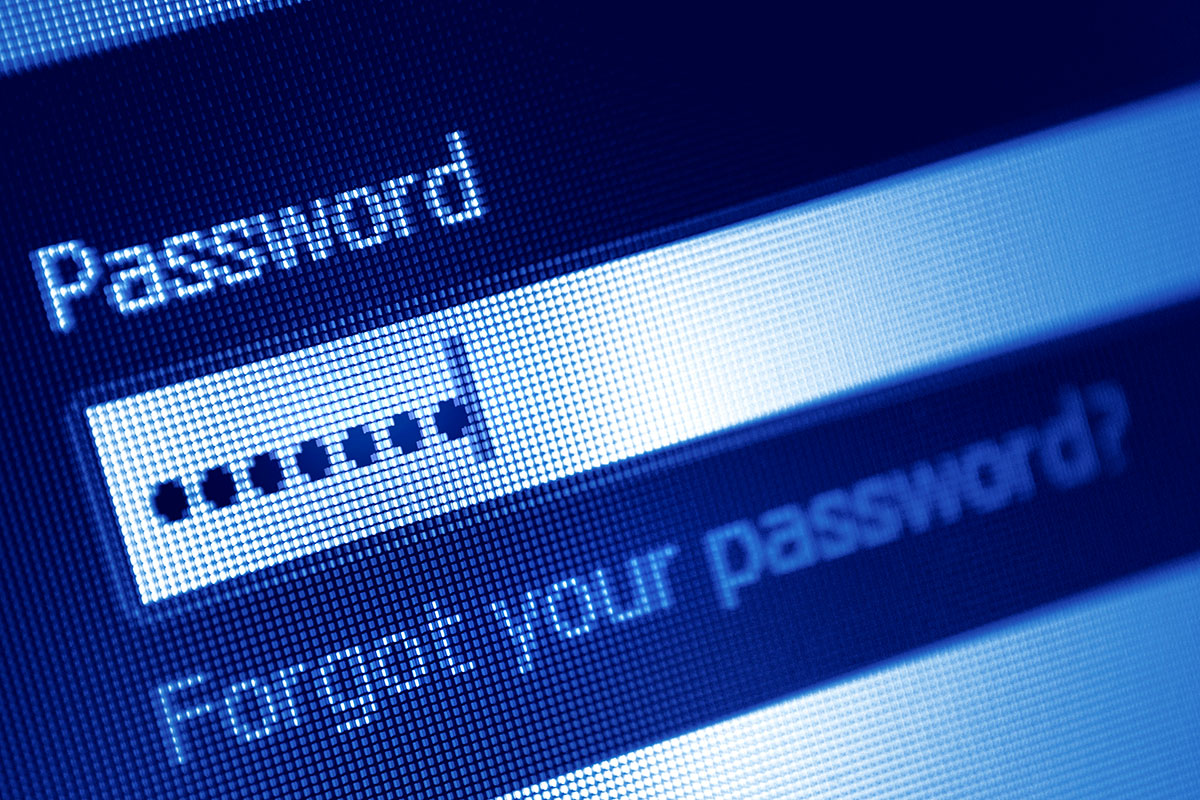
There is a familiar scene that plays out in offices every Monday morning. An employee sits down, coffee in hand, ready to start the week. They type in their login credentials, only to be greeted by a prompt: “Your password has expired. Please create a new one.”
Frustrated, they try to change “Summer2025!” to “Summer2026!” but the system rejects it for being too similar to the previous password. After three failed attempts, they stick to a personal password or write down a complex string of characters on a sticky note and attach it to their monitor.
In that moment, your security policy has failed.
For years, IT departments operated under the belief that the strictest password rules yielded the best security. We forced employees to use capital letters, special characters, and numbers, and mandated that they change their passwords every 90 days. While well intentioned, research from organizations like NIST (National Institute of Standards and Technology) has proven that these draconian measures actually weaken security by encouraging predictable human behavior.
Creating a password policy that people actually follow requires shifting the focus from complexity to entropy (randomness) and implementing tools that remove the burden of memorization. IPM Computers has a solution: here’s how to build a modern authentication strategy that balances high security with user sanity.
The Problem with “Complexity” and Rotation
The traditional advice of mixing symbols, numbers, and cases assumes that hackers are trying to guess passwords manually. They are not. Hackers use automated tools that can churn through billions of combinations per second.
When you force users to include a special character and a number, they behave predictably. They capitalize the first letter and put a “1!” at the end. When you force them to rotate that password every 90 days, they simply increment the number: “Password1!”, then “Password2!”, then “Password3!”
Attackers know this pattern. This is not security; it’s an illusion of security that frustrates your staff and leads to “password fatigue.” This fatigue results in the dangerous habit of reusing the same password across personal and professional accounts, which is a massive vulnerability.
The New Standard: Length Trumps Complexity
The modern approach to credentials favors the “Passphrase” over the “Password.”
A short, complex password like “Tr0ub4l&” looks secure, but because it is short, a computer can crack it relatively quickly. By contrast, a long string of random, unrelated words is mathematically much harder for a computer to guess, yet much easier for a human to remember.
The Passphrase Strategy:
Instead of a complex code, encourage employees to use a sentence or a string of four random words.
- Old Standard: P@ssw0rd1 (Hard to remember, easy to crack)
- New Standard: Correct-Horse-Battery-Staple (Easy to remember, mathematically difficult to crack)
By setting your system requirements to mandate a minimum length (e.g., 14 characters) but removing the requirements for special characters, you encourage users to create long, memorable phrases that they are less likely to write down.
Stop the Mandatory Rotation
This is the most controversial change for many compliance officers, but it’s necessary. Unless you have evidence of a breach, you should stop forcing employees to change their passwords every 90 days.
Mandatory rotation makes users choose weaker passwords because they know they’ll have to change them soon anyway. It prevents them from memorizing a strong passphrase. The current industry best practice is to require a password change only when there is a credible belief that the account has been compromised.
The Non-Negotiable: Multi-Factor Authentication
If you make passwords easier to type and stop changing them constantly, how do you stay secure? The answer is Multi-Factor Authentication (MFA).
MFA is the safety net, so if a hacker guesses a user’s password, or if an employee accidentally gives their credentials away in a phishing scam, the attacker cannot access the account without the second factor (usually a code on a smartphone).
A policy that allows for long, static passphrases must be paired with mandatory MFA. This combination offers a significantly higher level of protection than the old model of complex, rotating passwords without MFA.
The Ultimate Tool: Password Managers
The average employee has to log into 15 to 50 different applications. It’s cognitively impossible to remember 50 unique, strong passphrases. Consequently, employees reuse passwords.
To solve this, businesses must deploy an enterprise grade Password Manager. This allows the employee to memorize just one strong Master Passphrase (protected by MFA). The software then generates and stores long, complex, unique passwords for every other application.
This removes the friction entirely. The user doesn’t need to know that their Salesforce password is a 25-character random string; the software handles it. This eliminates password reuse and ensures that if one vendor gets hacked, your other accounts remain safe.
FAQs
Is it really safe to never change passwords?
“Never” is a strong word, but “rarely” is accurate. NIST guidelines state that rotation should be event driven, not time driven. If a service you use suffers a data breach, or if you detect suspicious activity, you change the password immediately. Otherwise, a strong, unique password protected by MFA is safer if left alone than a weak password that changes frequently.
What if an employee writes down their passphrase?
This is a training issue. However, because passphrases are easier to remember (e.g., “I-Love-Blue-Guitars”), employees are statistically less likely to write them down compared to complex strings like “X9#b$L2”. If they do write it down and someone finds it, the MFA prompt still stops the intruder from logging in remotely.
Are password managers safe? What if the manager gets hacked?
Enterprise password managers are built with “zero-knowledge” architecture. This means even the password company cannot see your data; it’s encrypted on your device before it reaches their servers. While no tool is 100 percent risk free, the risk of not using one (resulting in weak, reused passwords) is exponentially higher than the risk of the manager being compromised.
How long should a passphrase be?
Current recommendations suggest a minimum of 12 to 14 characters. However, because users are typing words, hitting 20+ characters is often quite easy. Length is the single most important factor in resisting “brute force” attacks.
Balancing Usability and Security
Security controls that users hate are security controls that users will bypass. Moving to a policy of long passphrases, removing arbitrary rotation dates, and enforcing MFA creates a system that is user friendly and hostile to attackers. It turns your employees from the weakest link into a reliable line of defense.
If your organization is struggling with password fatigue or needs help deploying MFA and password management tools, IPM Computers can audit your current policies. We help businesses implement authentication strategies that secure data without stopping the workflow.