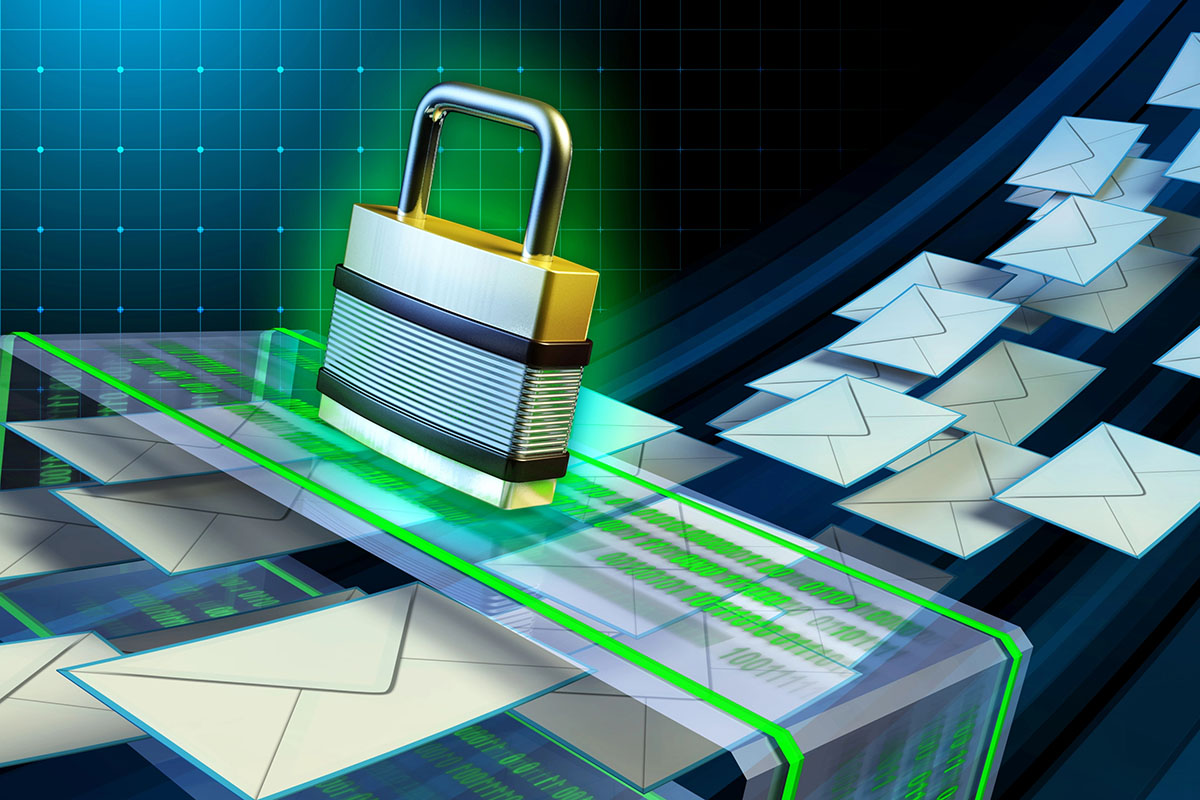
Email is still the main channel for quotes, invoices, support requests, and vendor communication. It’s also the favorite entry point for attackers. Phishing emails are now written better, look more legitimate, and often arrive from compromised real accounts.
At the same time, many businesses hesitate to tighten filtering because they have experienced this scenario:
- A real customer email ends up in spam
- A new lead never gets a response
- A vendor invoice is missed
- A partnership opportunity disappears quietly
You should not have to choose between Myrtle Beach IT security and revenue. The goal is to reduce risk while maintaining deliverability and visibility for legitimate messages.
A managed IT partner like IPM Computers can implement these controls for Microsoft 365 and other platforms, but the principles below apply regardless of your email provider.
Step 1: Understand What You Are Fighting
It helps to separate two categories that often get lumped together.
Spam
Spam is unsolicited email, usually marketing or mass messages. It’s annoying, but not always dangerous.
Phishing and business email compromise
Phishing is designed to steal credentials, install malware, or trick staff into sending money or sensitive data. These messages are higher stakes and should be treated as security incidents, not just inbox clutter.
Your filtering strategy should target phishing more aggressively than general spam, because phishing creates real operational risk.
Step 2: Fix Authentication First (SPF, DKIM, DMARC)
One of the best ways to reduce junk and protect deliverability is to properly authenticate your own domain. When this is not set up correctly, two bad things happen:
Attackers can spoof your domain more easily
Legitimate emails you send can be flagged or routed to spam by recipients
Core standards:
SPF
Tells receiving servers which mail systems are allowed to send on your behalf.
DKIM
Adds a cryptographic signature that proves the message was not altered and came from an authorized system.
DMARC
Tells receiving servers what to do when SPF or DKIM fails and provides reporting.
If your company uses Microsoft 365, a marketing platform, and a CRM, SPF and DKIM often need to include all of them. DMARC policy should be phased in gradually, starting with monitoring and moving toward enforcement.
This step improves outbound deliverability and reduces spoofing, which is one of the most common tactics in phishing.
Step 3: Use Layered Filtering, Not One Mega Rule
There is a tempting shortcut that almost every business tries at some point. Someone gets fed up with spam, opens their inbox rules, and starts building. Block this sender. Delete anything with that keyword. Move messages from unknown domains to junk automatically.
It feels productive in the moment. A month later, it’s a mess.
The problem is not effort. The problem is approach. User-created rules tend to over-block, which means real emails from customers or vendors quietly disappear. Rules built by different people start fighting each other, and nobody remembers why half of them exist. Meanwhile, attackers rotate through new domains faster than your blocklist can keep up. Worst of all, when messages get auto-deleted or shuffled into folders at the user level, IT has no idea what is being missed until someone important complains.
Layered filtering works differently.
Instead of one complicated rule trying to do everything, you stack simple defenses that each handle a specific job. Gateway or cloud email filtering catches the bulk of junk before it ever hits an inbox. Your email provider’s built-in protections, like Microsoft 365 anti-phishing policies, add another layer without requiring manual upkeep. URL scanning checks links in real time so a clean-looking message does not lead somewhere dangerous. Attachment sandboxing opens suspicious files in a controlled environment before they reach the user.
At the user level, keep things minimal. A few consistent, company-wide policies work better than dozens of personal rules scattered across mailboxes.
The end goal is straightforward. Obvious threats get blocked. Suspicious items land in quarantine where someone can review them. And legitimate mail stays visible in the inbox, where it belongs.
Step 4: Quarantine the Right Messages and Make It Reviewable
The biggest reason businesses miss real emails is not filtering itself. It is lack of visibility.
Best practices include:
- Use quarantine instead of silent deletion
- Send daily or weekly quarantine summaries to users
- Train staff to check quarantine regularly, especially customer facing roles
- Configure a safe release process that still logs what was released and why
For small businesses, a simple rule is:
- If it could be a real customer, quarantine it
- If it’s clearly malicious, block it
This reduces the chance that important leads are lost while still preventing dangerous mail from reaching users directly.
Step 5: Allow Listing Done Right (Because “Just Whitelist Everything” is Not a Strategy)
Let’s be honest about what usually happens:
Someone important complains that a vendor’s email keeps landing in spam. IT panic-adds the entire domain to the allow list. Problem solved… until six months later when that vendor gets compromised and their infected invoices sail straight past every filter you have.
That’s not allow listing. That’s handing out VIP passes to strangers.
Here’s how to do it without shooting yourself in the foot:
Allow by domain, not by individual address
If you trust Acme Corp, allow @acmecorp.com — not [email protected], [email protected], and every new hire they add for the next three years. One entry. Clean. Done.
Never allow list free email providers
The moment you whitelist all of @gmail.com or @yahoo.com, you’ve essentially opened the front door and removed the lock. Every scammer on the planet uses free email. This is the single most dangerous thing we see in client environments.
Write it down and review it quarterly
If nobody remembers why @randomvendor.net was added in 2021, it shouldn’t still be there. Treat your allow list like a subscription — if you’re not actively using it, cancel it.
For inbound customer emails, skip the allow list entirely
You can’t whitelist every potential customer who might contact you. Instead, invest that energy into making sure your own domain authentication (SPF, DKIM, DMARC) is bulletproof and your anti-phishing tools are tuned properly. That way legitimate inbound mail lands cleanly without you having to predict every sender on earth.
The golden rule:
Every entry on your allow list is a hole in your armor that you chose to put there.
Make sure every single hole has a name, a business reason, and an expiration date.
We audit client allow lists regularly and almost every time we find entries from vendors they stopped working with, free email domains that should never have been there, and individual addresses for people who left their company ages ago.
Step 6: Reduce Risk from Links and Attachments
Many phishing emails succeed because users click quickly. You can reduce this risk even if some phishing reaches inboxes.
Important controls:
Safe link rewriting and scanning
Links are checked at click time, not only at delivery.
Attachment sandboxing
Attachments are opened in a safe environment before reaching the user.
Blocking common malicious file types
Particularly those rarely needed in normal customer communication.
These features are often included in business email security solutions and higher Microsoft licensing tiers.
Step 7: Train Staff on High Value Scenarios
You do not need to turn employees into security analysts, but you do need them to recognize the most common high risk patterns.
Focus training on:
- Fake invoice and payment change requests
- Shipping notification scams
- Document sharing links that look like cloud platforms
- Executive impersonation and urgent wire transfer requests
- Unusual login prompts and MFA fatigue attacks
Simple procedures help:
- Verify payment changes by phone using known numbers
- Require approval for wire transfers
- Use a secure portal for sensitive document exchange
- Training reduces the chance that a single click becomes a costly incident.
Step 8: Create a Process for Customer Emails That Must Not Be Missed
Security is critical, but so is business continuity and revenue. For customer communications, build redundancy.
Practical ideas:
- Use contact forms that feed into a ticketing system rather than relying only on email
- Route sales inquiries to a shared mailbox monitored by multiple people
- Add an auto reply confirming receipt and providing alternate contact methods
- Review spam and quarantine daily for customer facing mailboxes
If your business depends on new leads arriving by email, treat deliverability and monitoring as part of your operations, not an afterthought.
FAQs
Why do real customer emails end up in spam?
Common reasons include poor domain authentication on either side, new domains with limited reputation, suspicious wording in the message, or emails sent through forms or third-party systems that are not configured correctly. Your own filtering settings can also be too strict. A review of your email security and your domain’s SPF, DKIM, and DMARC configuration often reduces false positives.
Should we allow list customers so we do not miss leads?
Allow listing specific customers can help once they are known, but it is not a complete solution for new leads. Allow listing broadly can also create security holes. A better approach is to use quarantine review and improve email authentication and filtering logic rather than allowing everything through.
Will stricter spam filtering stop phishing?
It helps, but phishing is adaptive. Some phishing will still get through, especially from compromised real accounts. The best protection combines filtering with MFA, link scanning, attachment controls, and staff training. Think of filtering as your first layer, not your only layer.
How often should employees check quarantine?
For roles that rely on email for revenue or support, daily is ideal. Many platforms provide quarantine digest emails that make this quick. A simple routine, such as checking quarantine at the start of the day and after lunch, can prevent missed customer messages without taking much time.
What is the fastest way to improve email security for a small business?
Start with MFA for all mailboxes, then fix domain authentication with SPF, DKIM, and DMARC. After that, implement email security policies for anti-phishing, safe links, and attachment scanning. These steps provide large risk reduction quickly and improve deliverability at the same time.
Keeping Email Usable While Making It Safer
Reducing spam and phishing should not come at the cost of missing real business communication. The best approach is to get the fundamentals right first, then add layered controls with visibility. That means proper SPF, DKIM, and DMARC configuration, modern anti-phishing and malware filtering, quarantine policies that are reviewable instead of hidden, controlled allow listing for trusted partners, link and attachment protections, and simple training focused on high-risk scenarios.
If your business is still drowning in junk mail, missing customer inquiries, or dealing with repeated phishing scares, something in the system is not working. IPM can help you find the balance between protection and deliverability—through services like Myrtle Beach network security and 24/7 tech support in Myrtle Beach—so your inbox becomes an asset again instead of a daily risk.